·2 min·Learn SSH 3/3
Learn SSH: Config File
Use the ~/.ssh/config file to connect to servers by name, with identity files, multiple hosts, ProxyJump through a jump server, and wildcard patterns.
5 posts
Use the ~/.ssh/config file to connect to servers by name, with identity files, multiple hosts, ProxyJump through a jump server, and wildcard patterns.
The SSH commands I use most: connecting with a key or custom port, local and remote port forwarding, jump hosts with -J, and a SOCKS proxy with -D.
What SSH is, how to set up an SSH server in an Ubuntu or CentOS virtual machine, and how to connect to it from your terminal with a password.
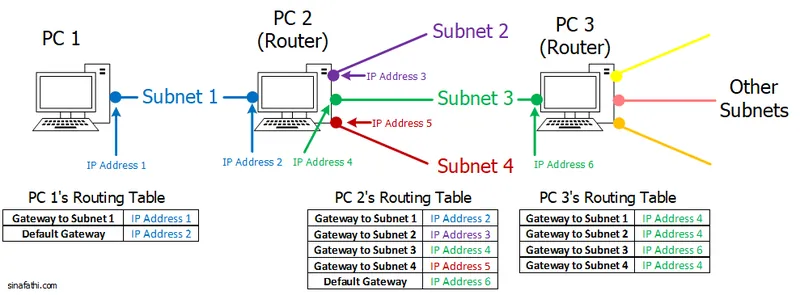
How to pick the gateway address on each Linux machine in a small network, with the route commands for per-subnet routes and a default gateway.
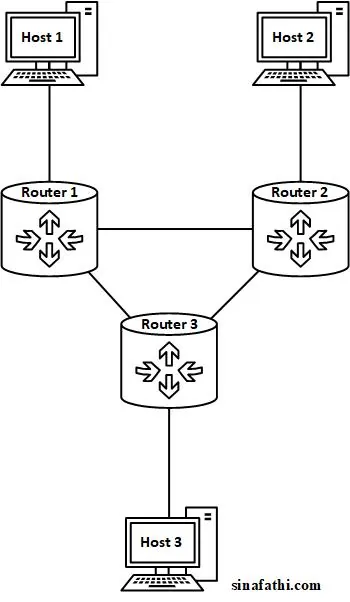
Build an asymmetric static routing network with Ubuntu hosts and Linux routers: enable IP forwarding, relax rp_filter, and add routes and backup routes.